Compare
Moshi alternative: close the laptop, keep the agent running
Vibe coders can’t close their laptops. Moshi puts the agent’s terminal on your phone; GoTerm keeps it open on a server, for any browser to pick up.
Published
There’s a joke going round: vibe coders can’t close their laptops. Close the lid and the coding agent stops halfway through the job, so the laptop comes along, open, wherever its owner goes.

It’s funny because it’s true. Claude Code, Codex and the rest run in a terminal, and a terminal on a laptop works only while the laptop is awake and online. Close the lid, lose the Wi-Fi on a train or let the battery run out, and the agent’s session goes with it.
First, let the agent live somewhere else
Every fix starts the same way. Run the agent on a machine that doesn’t sleep: a small cloud server, or a desktop at home or at the office. Install it there and sign it in, as you did on your laptop, and reach it over SSH. Then the only question is how you reach that terminal, and from what.
Moshi: a great phone app for it
Moshi is a terminal made for phones, with coding agents in mind: its App Store listing calls it “a mobile terminal designed for Claude Code, Codex, and more.” It connects straight from your phone to your machine, and it does that very well.
- Native apps for iPhone, iPad and Apple Watch, and one for Android.
- Mosh, which keeps the connection through network switches, sleep and subway tunnels, and tmux sessions it attaches again on its own.
- Built around agents: push notifications when a long job finishes, and, with its optional moshi-hook on your machine, agent approvals and status in one inbox.
- Voice to the terminal, with on-device speech recognition among its options, and keys kept in the iOS Keychain behind Face ID or Touch ID.
- A direct connection: Moshi says there is no session relay, so your shell, files and agents stay on machines you control.
If you want a native app on your phone that knows about your agents, Moshi is very good at it.
GoTerm: just a terminal that stays open
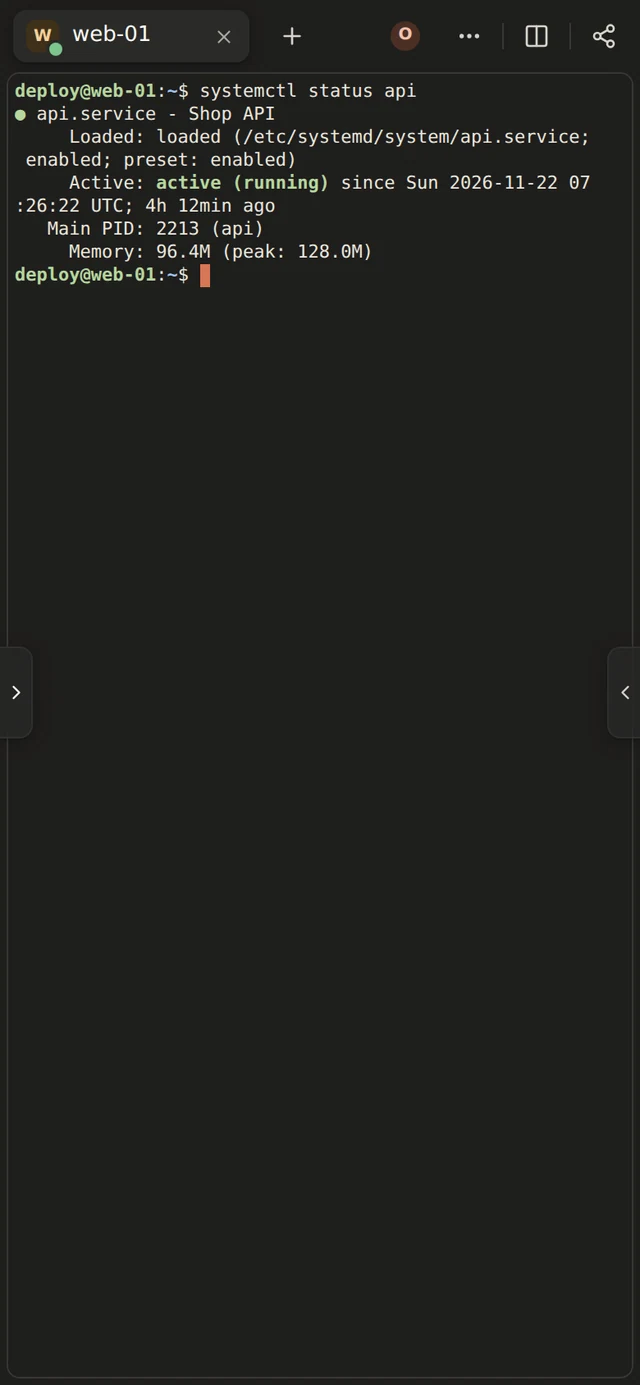
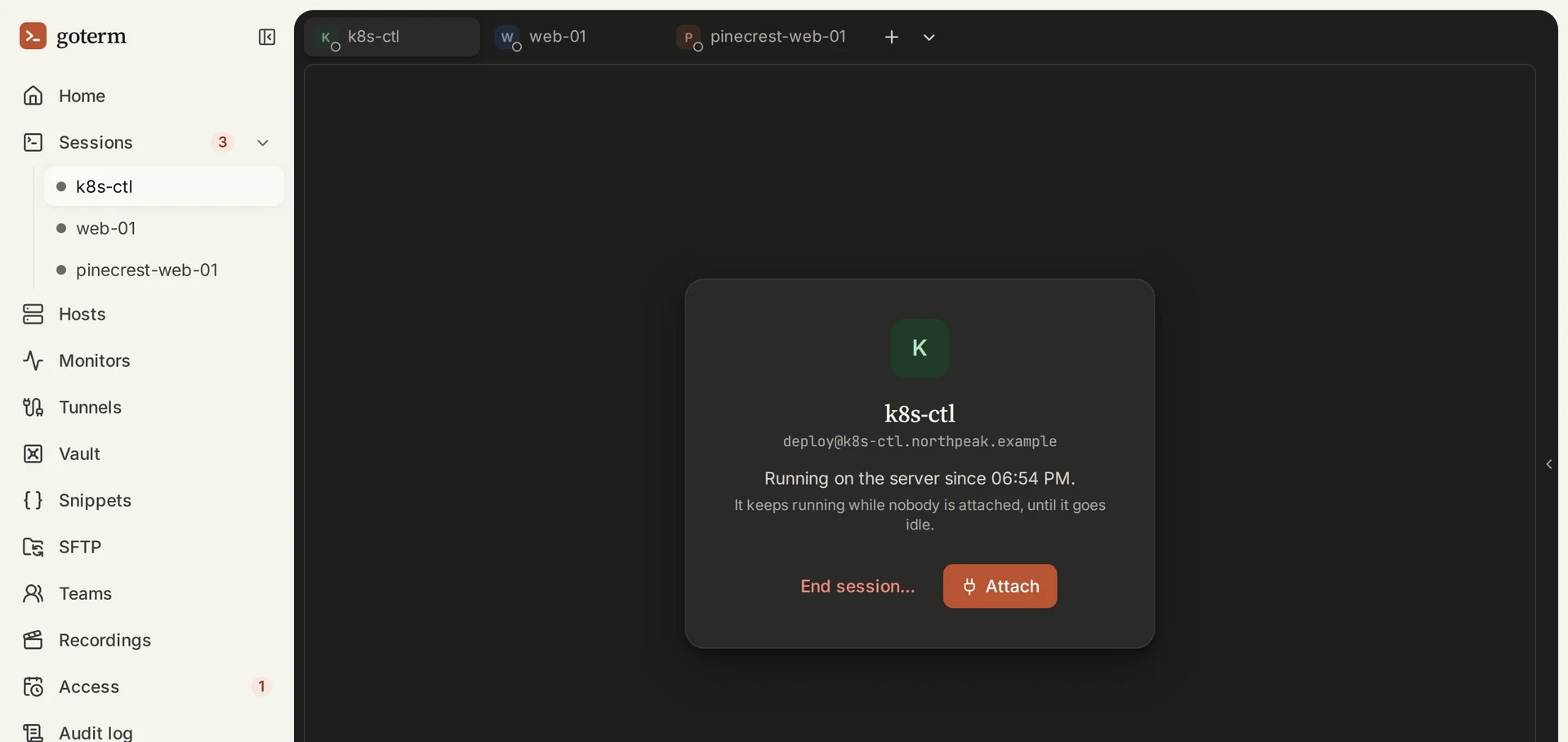
GoTerm takes a different approach, and a simpler one. It builds nothing around the agent. It keeps the terminal itself running, on GoTerm’s gateway, and lets any screen open it: your laptop’s browser, the Windows app, or your phone’s browser. You start the agent at your desk, close the laptop, and the session carries on, for as long as your workspace’s idle limit allows (up to 7 days). On your phone you open the same terminal, see what you missed, answer the agent, and put the phone away again.
- Nothing to install. No app on your phone, and nothing on your server: GoTerm connects over SSH, like any terminal.
- Any screen. The same session opens on your laptop, a borrowed computer, the office PC or your phone, with what you missed replayed.
- No integration to trust. The agent runs in a plain terminal, exactly as it would on your laptop, so every agent and every tool works the same.
- Watch it together. Share the session with a teammate, view only, and the gateway drops their typing.
- A record of what it did. On Teams and Business, recordings keep what the session’s screen showed, and the audit log keeps who connected and when.
- Keys off the phone. The server’s key lives in your workspace’s Vault, and only the gateway uses it.
Set it up
- Put your agent on a server that stays on, and sign it in there.
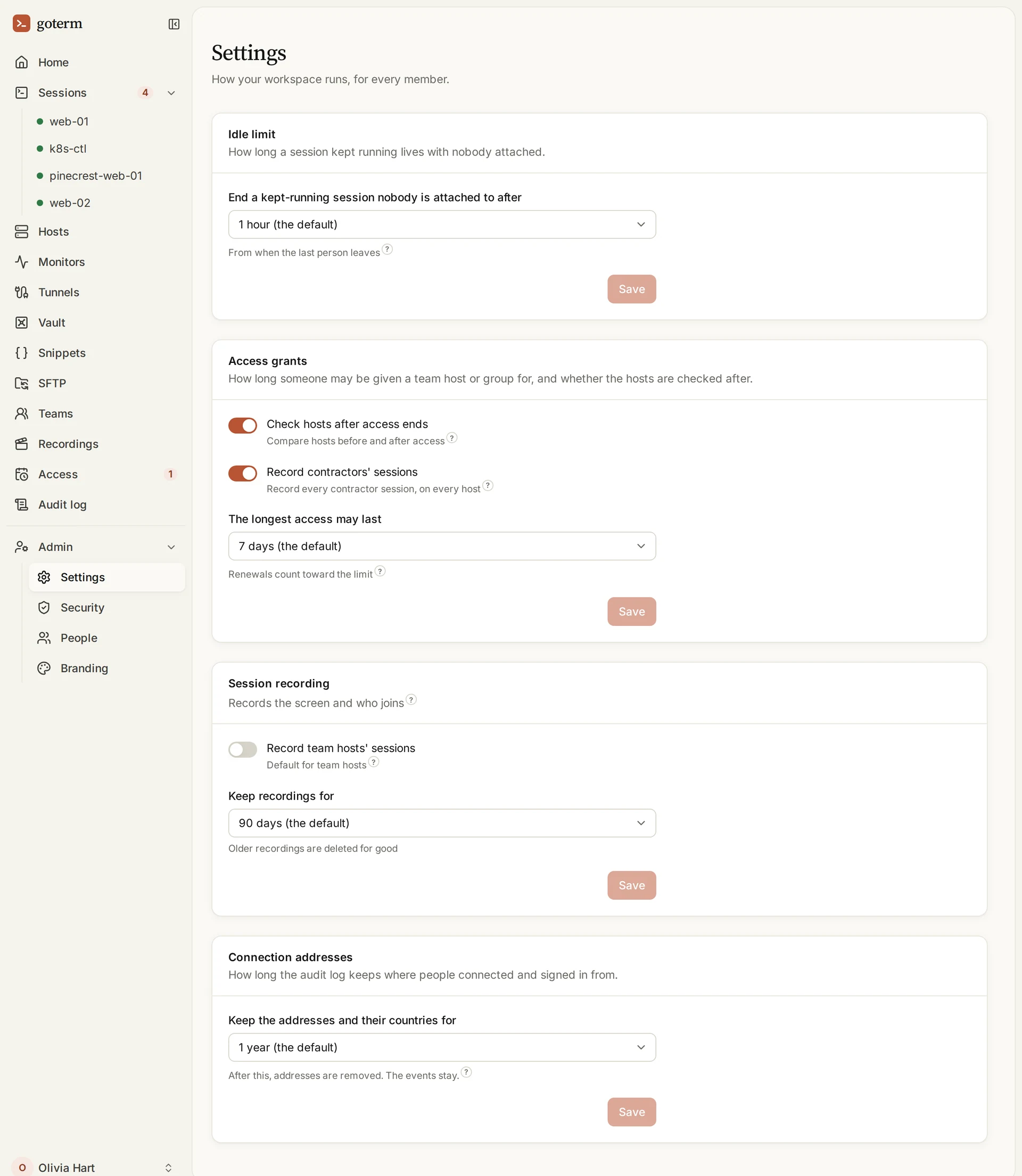
- In GoTerm, on Admin → Settings, raise the Idle limit (how). A session nobody is attached to ends after it, 1 hour by default: for an agent that works while you’re away, choose 8 hours, 24 hours or 7 days.
- Save the server as a host. If it’s on a private network, pick its jump host under Connect through.
- Open a terminal on it and start the agent.
- Close the laptop. On your phone, open your workspace’s address in the browser and sign in (the first time, confirm the phone as a new device), then open the session under Sessions.
What Moshi does that GoTerm doesn’t
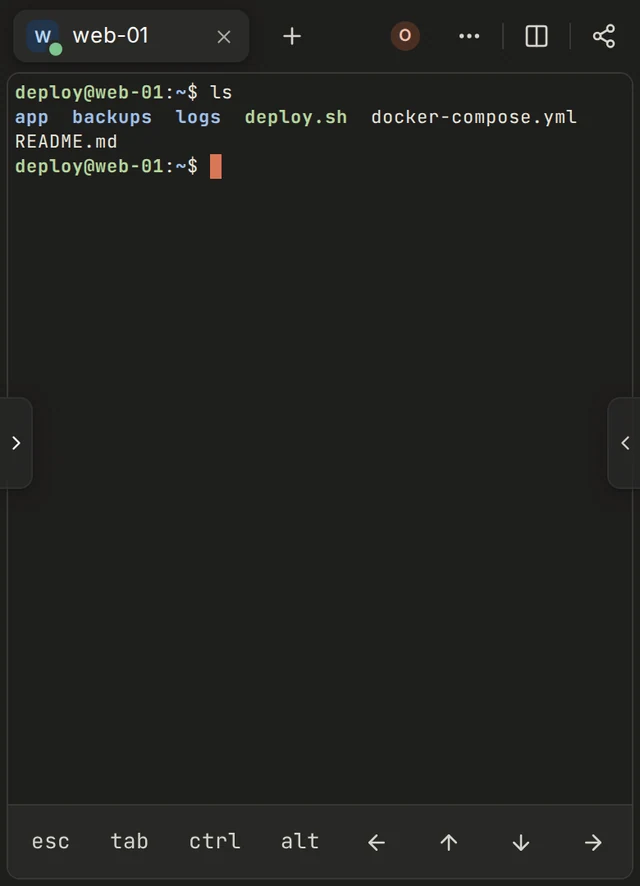
- A native app on your phone and your watch. GoTerm runs in your phone’s browser, made for a phone’s screen, with that key bar.
- Notifications and approvals. GoTerm doesn’t tell you when the agent is waiting for you: you look.
- Mosh on a flaky connection. With GoTerm, the phone talks to the gateway, so a dropped phone connection doesn’t touch the session: open it again and carry on.
- Voice into the terminal.
- A direct connection. GoTerm’s gateway sits between you and the server by design: it’s what keeps the session while you’re away.
Which to choose
- A native phone app that knows your agents, with notifications, approvals and voice: Moshi.
- The same terminal on any screen, nothing to install, and a team that can watch, or replay what the agent did: GoTerm.
To try GoTerm, open the demo for a workspace of your own for an hour. The sessions guide shows how sessions keep running, and how to come back to one.
Sources
- Moshi on the App Store and getmoshi.app: what Moshi is, its apps, Mosh and tmux, notifications and moshi-hook, voice, its keys, and its direct connection with no relay.
- Sessions, Running a workspace and Getting started: GoTerm’s guides to sessions that keep running, the idle limit and signing in.
